Seamless Demo Migration
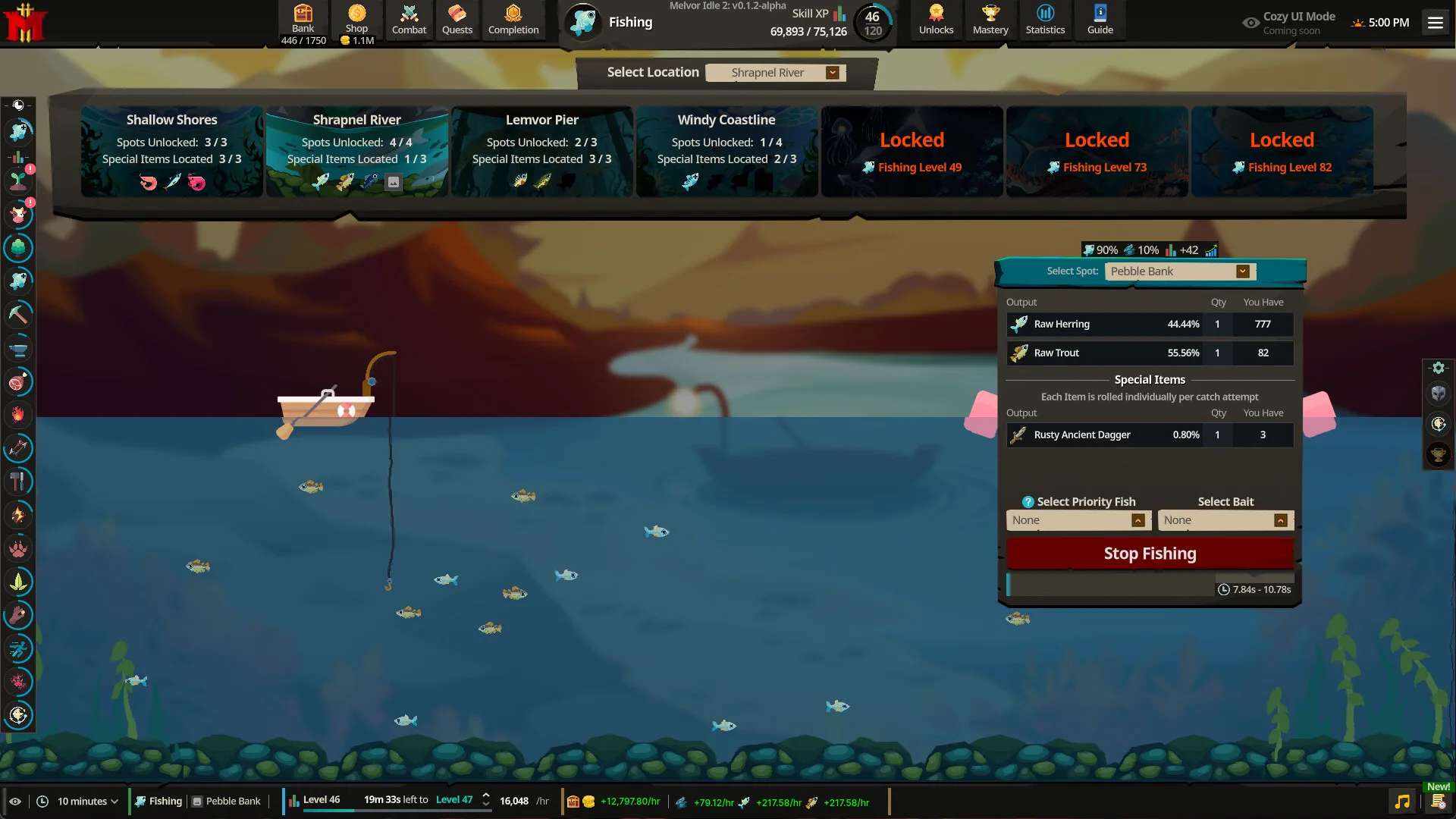
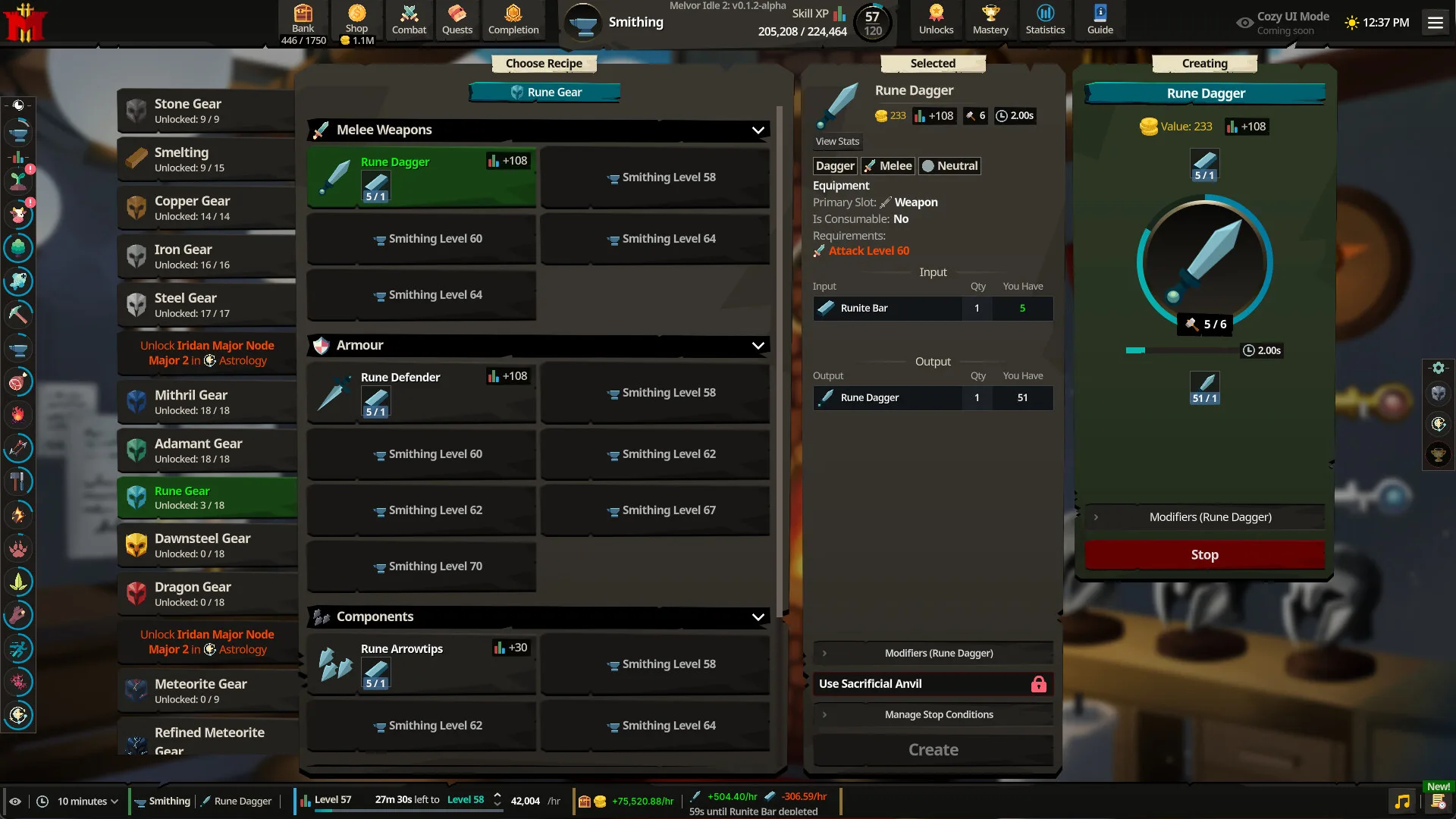
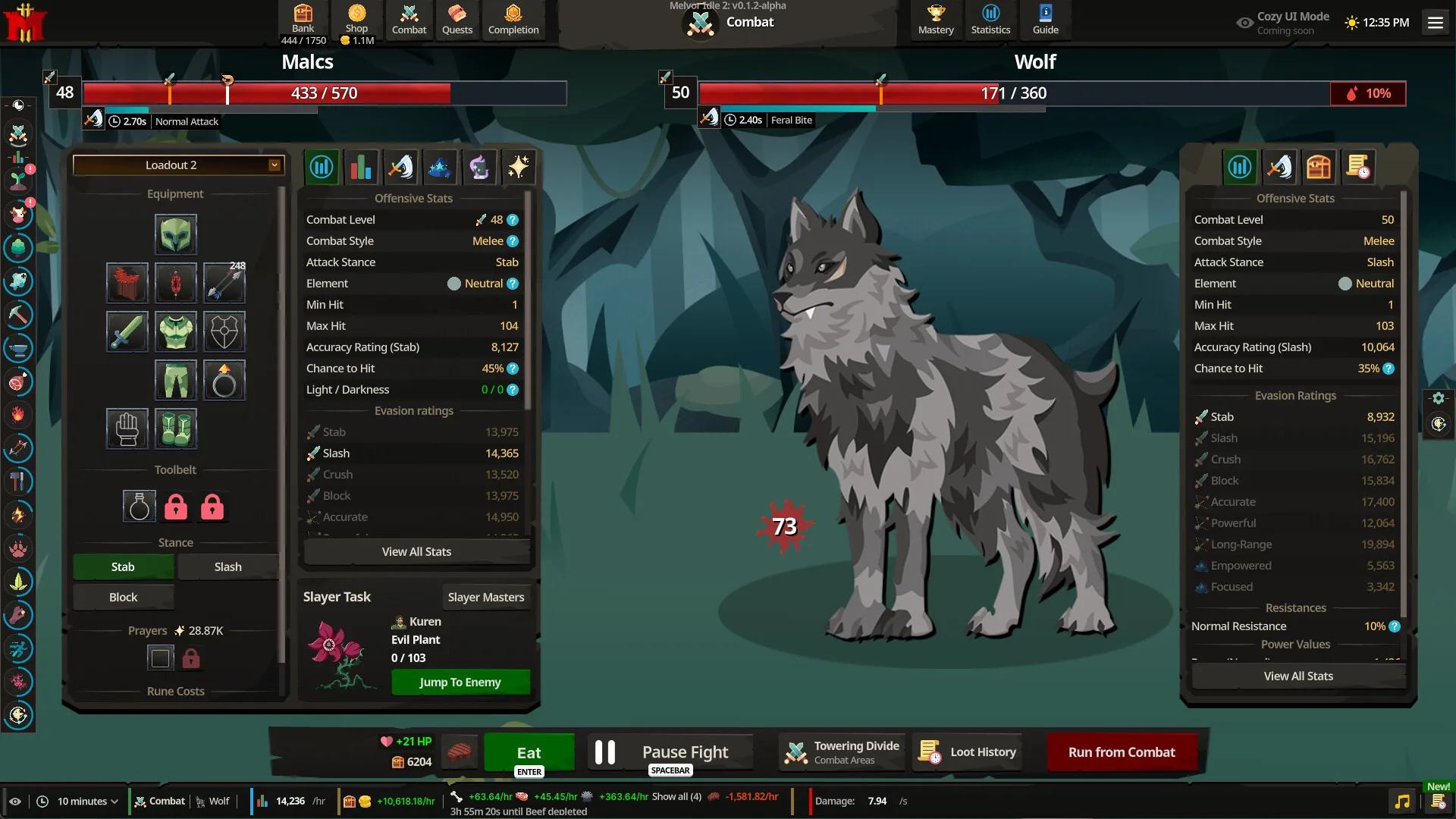
One of the most frequent questions from the community following the Steam Next Fest preview was whether dozens of hours invested into testing would be wiped upon launch. Developer Games by Malcs and publisher Jagex provided unequivocal confirmation: Demo save progress carries over 100% into the Early Access release.
You do not need to restart your account from scratch on release day. All skill levels, bank items, unlocked pets, and quest completions transfer intact. Review our Beginner Starter Guide to plan your next progression steps once your character is safely imported.
How the Carryover Process Works
Melvor Idle 2 employs two methods to import your demo progress into the Early Access release:
Method 1: Automatic Local Save Detection (Recommended)
- Install and launch the full Melvor Idle 2 client on Steam on or after release day.
- The game will automatically detect existing demo save files stored in your local application directory (
AppData/Local/MelvorIdle2_Demoor Steam Cloud). - A prompt will appear: "Demo Save Detected: Would you like to import [Character Name] into Slot 1?"
- Click Import Character. Your character profile, bank items, and achievements will instantly load.
Method 2: Manual Save String Export / Import
If you are playing on a different PC or want an airtight backup before launching, use the manual string transfer:
- Open the Melvor Idle 2 Demo client.
- Navigate to Settings -> Save Management.
- Click Export Save to Clipboard. This copies an encrypted alphanumeric text string representing your entire game state.
- Paste and save this text string into a local notepad file for safekeeping.
- In the full Early Access client, click Import Save from Text, paste your string, and confirm.
What Carries Over vs. What Unlocks
| Gameplay System | Demo Status | Early Access Carryover Status |
|---|---|---|
| Skill Experience & Levels | Retained fully up to demo limits | 100% Carried Over, caps lifted up to level 120 |
| Bank Inventory Stacks | Stored in player bank | 100% Carried Over, all items preserved |
| Equipped Loadouts | Slotted in equipment presets | 100% Carried Over, presets preserved |
| Unlocked Companion Pets | Registered to account | 100% Carried Over, permanent passives active |
| Completed Quests | Tracked in Quest Journal | 100% Carried Over, Act II+ story unlocked |
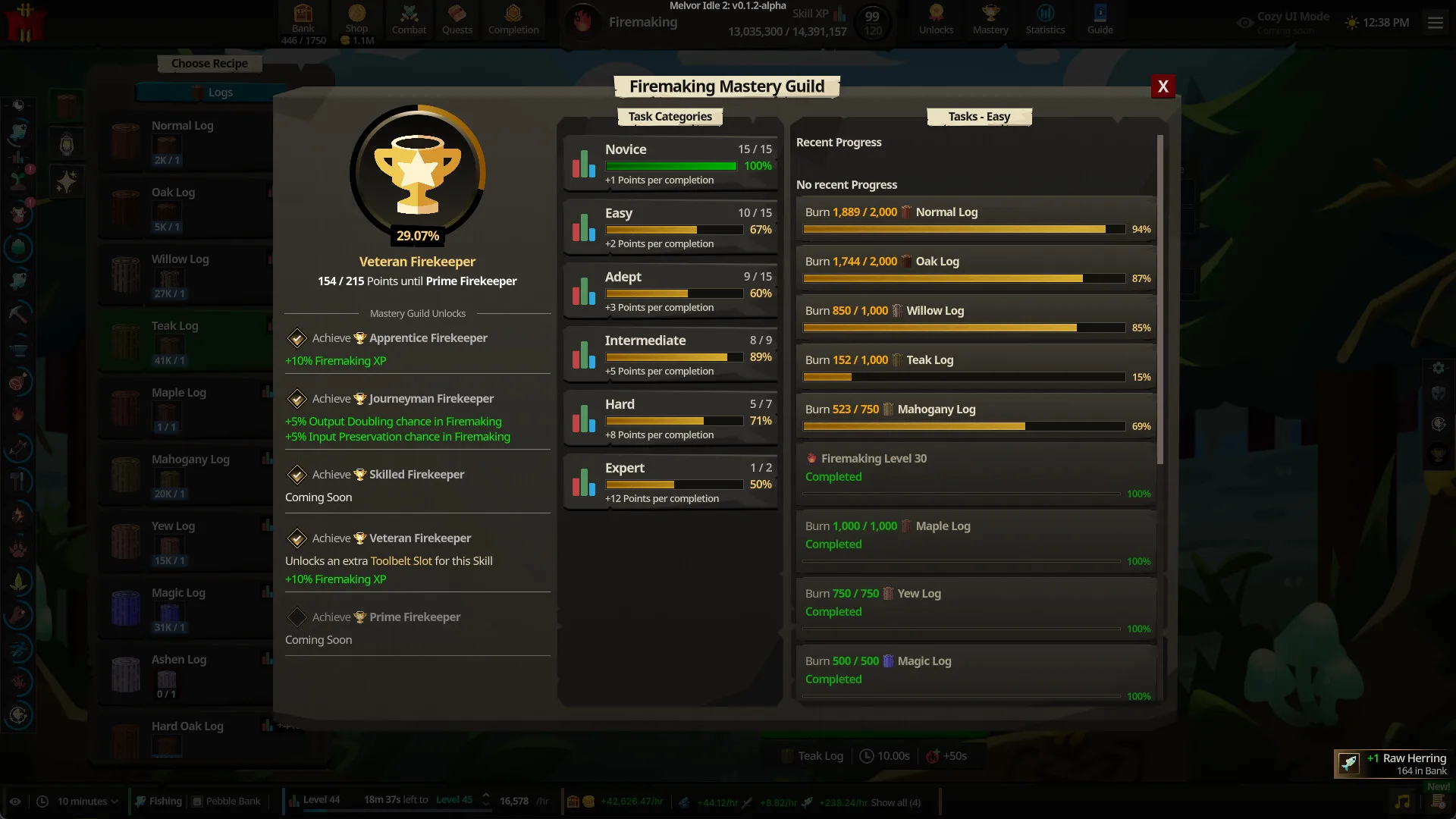
| Mastery Guild Tokens | Accumulated in guild halls | 100% Carried Over, higher shrine tiers open |
| Gold & Slayer Coins | Retained in currency pouch | 100% Carried Over, full coin balances intact |
Post-Transfer Action Plan
Once your demo save is successfully imported into Early Access:
- Verify Your Level Caps: Check your gathering and artisan skills. Ensure skills that were previously capped at level 25 or 50 now display the full level 120 ceiling.
- Continue the Main Story: Head to your Quest Journal and pick up the Act II storyline following the roadmap in our Release Date & Platforms Guide.
- Review Mod Compatibility: If you used UI mods during the demo, verify their compatibility using the tools detailed in our Modding & Settings Guide.
[!TIP] Never uninstall the demo client before verifying your save has safely imported into the full Early Access client! Keeping the demo installed ensures your local save cache remains intact until migration is confirmed.